Self-Custodial Accountability Warning
Adytum Suite utilizes full client-side cryptographic isolation. Your seed keywords and ledger configurations live inside your local silicon[cite: 2].
Because we possess no cloud recovery backdoors, losing both your device and your offline 12-word recovery card means your domestic datasets are mathematically broken. We cannot retrieve your access logs.
User Alias & Global Identity
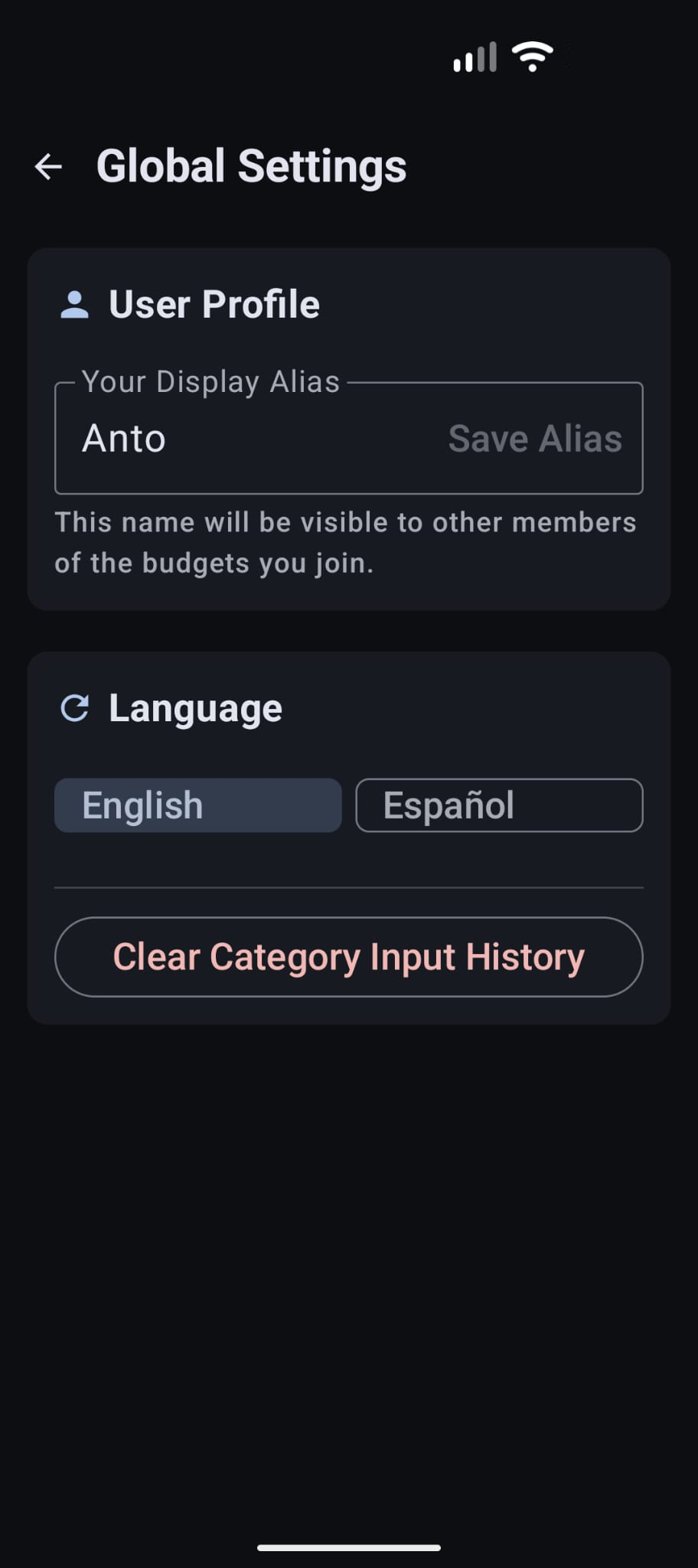
When configuring your space, tap the top gear token inside the main dashboard panel to enter the Configuración Global card. Under the User Profile block, specify your personalized nickname inside the Tu Alias de Usuario box (for instance, "Anto") and click Guardar Alias. This identity tag identifies your account entries when collaborating across multi-device workspaces.
Main Launchpad & Module Shortcuts
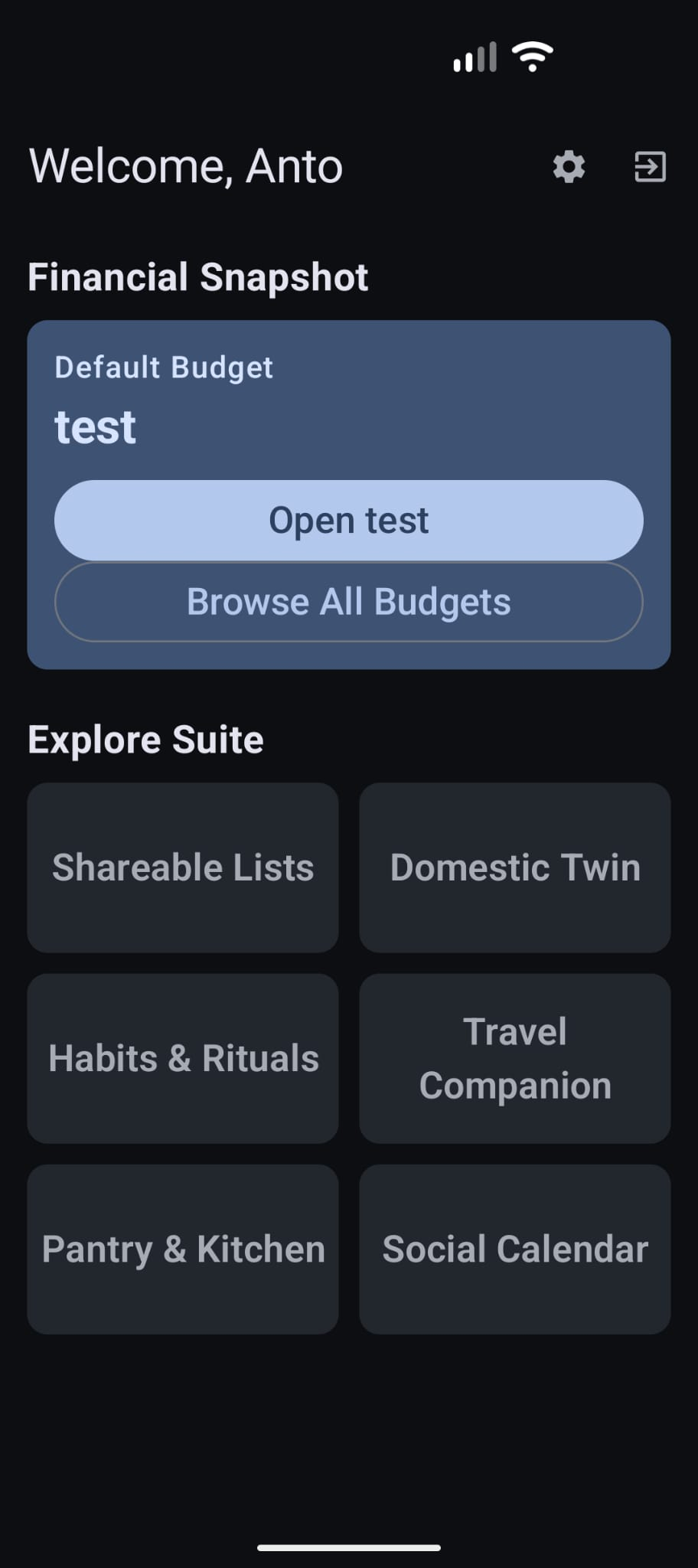
The central launchpad dashboard acts as the gateway to your secure ecosystem modules. At the top of your Resumen Financiero card, you will find your primary active workspace named "test". Tap Open test to dive directly into your budget logs, or tap Ver Todos los Presupuestos to compile or swap alternative secure environments.
Suite Shortcut Toggle Configuration
Tired of clicking through multiple sub-menus to access your daily budget? You can bypass list screens entirely by establishing a persistent launchpad shortcut. Navigate to your active budget, tap the settings gear inside that budget header, and toggle the option designated Presupuesto por Defecto de la Suite. Once enabled, the main launchpad screen will dynamically link the "Open [Name]" card directly to this workspace.
Multi-Currency Setup & Input Overwrites
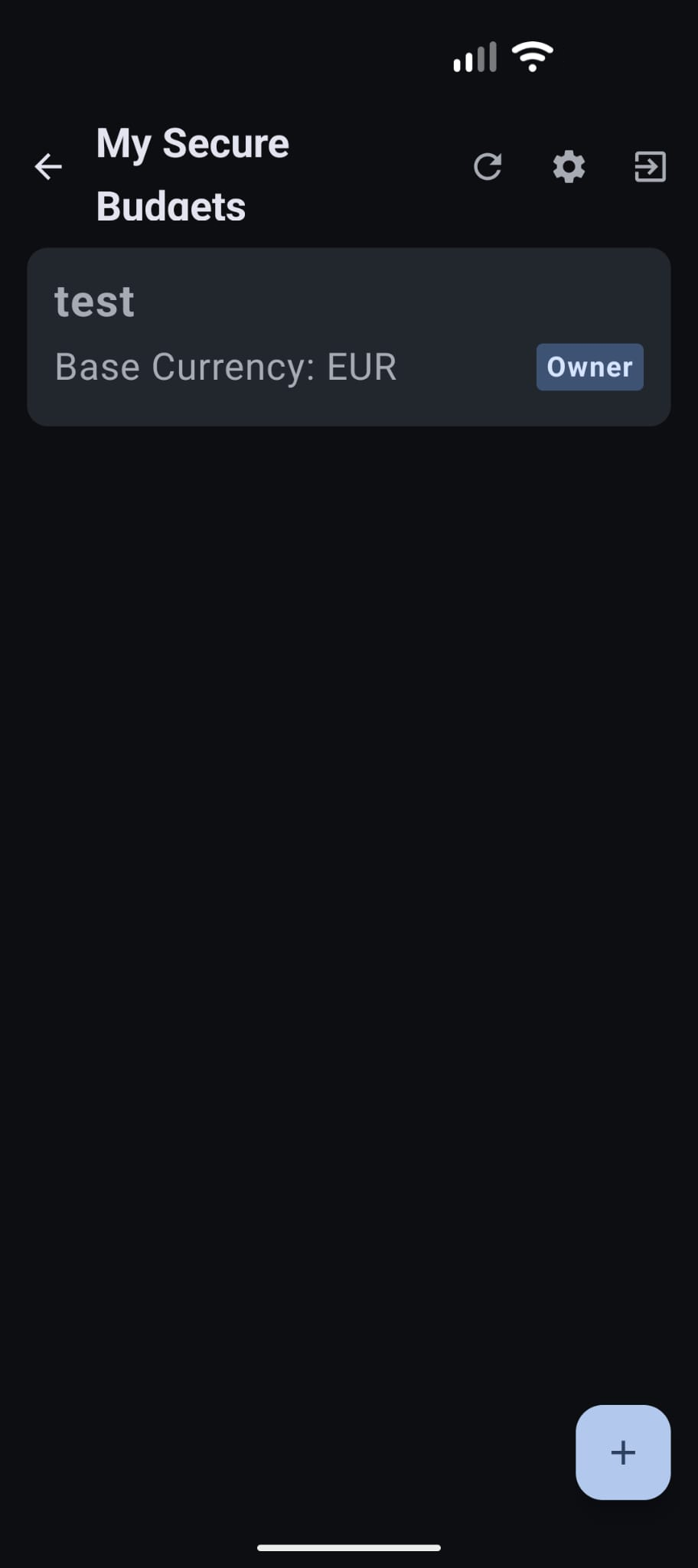
All budgets operate on an unchangeable Moneda Base (defined at creation, e.g. EUR). To record expenses in foreign tokens (such as Costa Rican Colones CRC or US Dollars USD), navigate to the budget config panel and select your active targets from the Configuración de Moneda grid. When typing standard transactions, select the target currency code from the dropdown input field. Adytum will dynamically reference the daily rate, but you retain full authority to manually overwrite the exchange ratio right inside the transactional sheet.

The Zero-Knowledge Sharing Dance
To link family members without exposing credentials to the server, follow this secure hand-shaking process:
1. The guest device (Partner) opens their console, selects the budget workspace settings card, and taps Recibir invitación a un presupuesto to output their unique asymmetric RSA-4096 public key.
2. The budget owner taps Invitar Usuario on their own device, and scans the partner's projected QR block. This securely wraps the symmetric environment keys inside the recipient's public key, uploading the unreadable ciphertext blob to Google Cloud Run for their device to safely pull and unwrap locally[cite: 2].
// Sync Node Handshake Pipeline: app/ui/screens/budget/BudgetSettingsScreen.kt
Analytical Reports & Exporting Tools
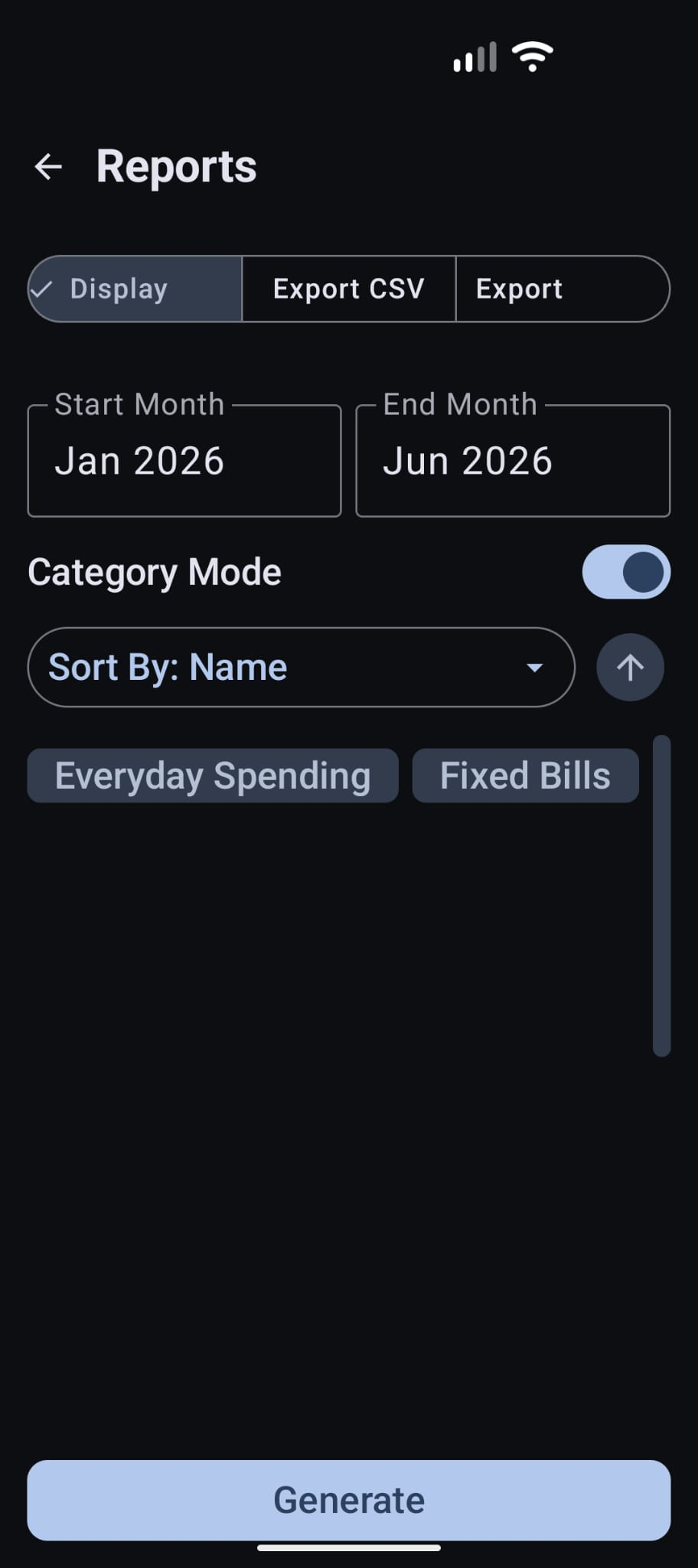
Our team is constantly optimizing offline reporting tools. Inside your active budget, tap the reports and calendar tokens. Here you can filter specific date intervals (e.g. ene 2026 - jun 2026), switch sorting preferences (by Name or Expense amount), and group outputs based on category flags (Everyday Spending or Fixed Bills). Tap Generar to build and export data directly on-device.